
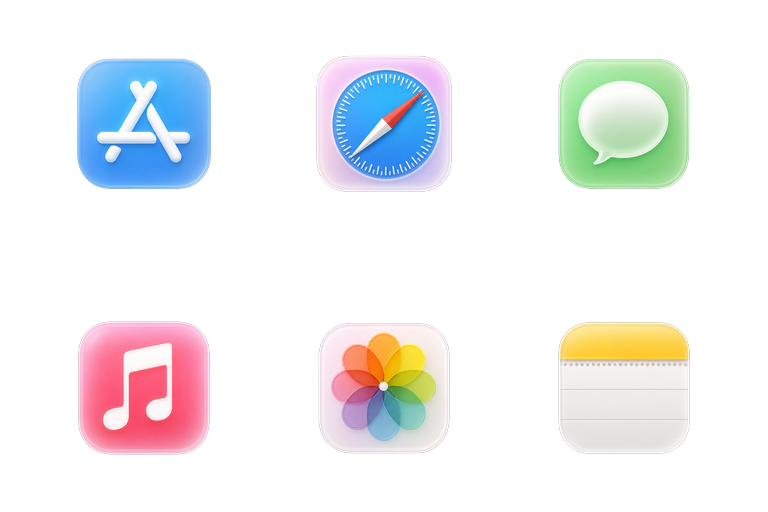
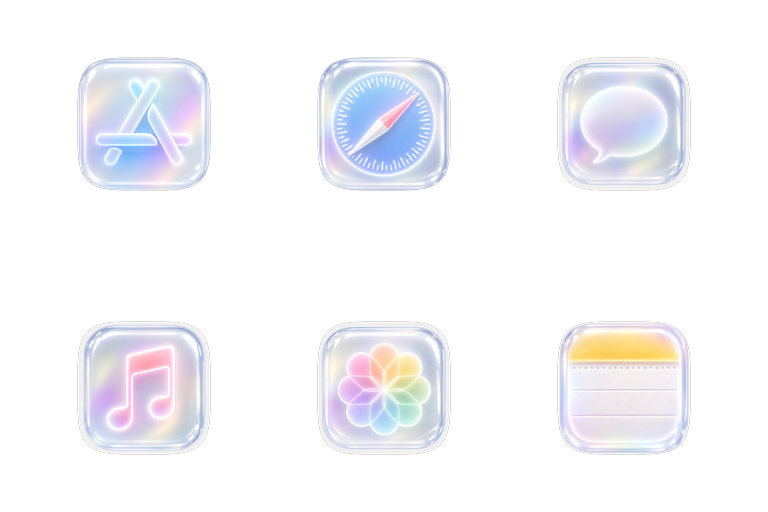
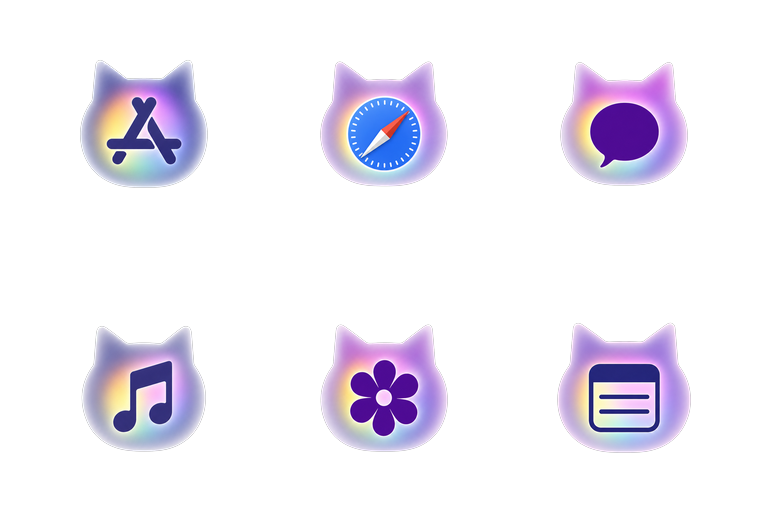
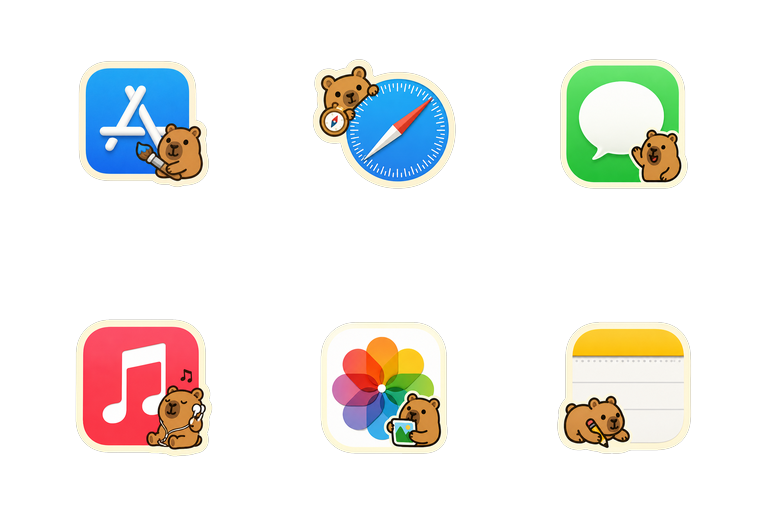
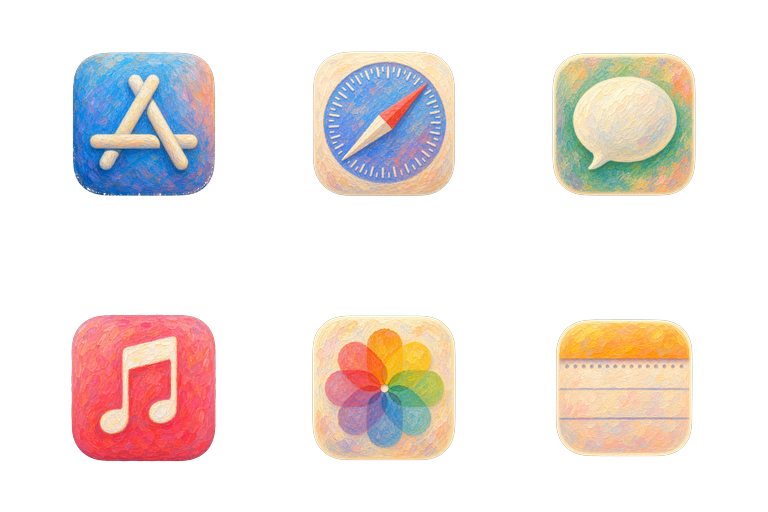

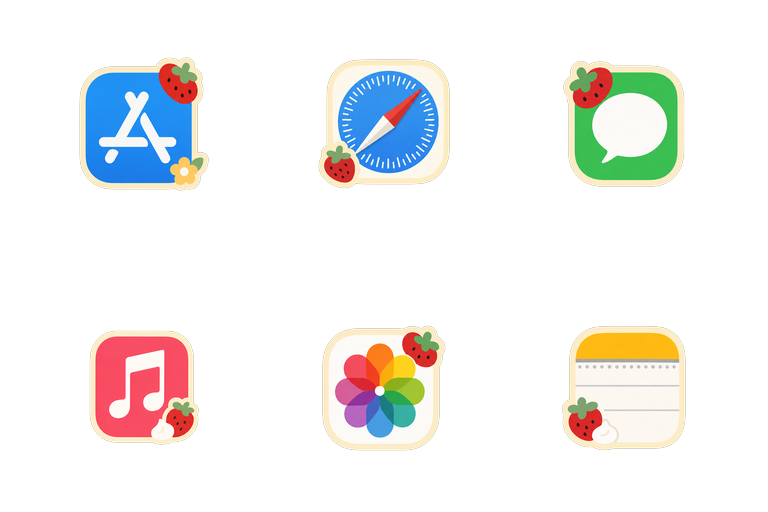
Apps and folders
Select one app or folder—or several at once—and apply an icon.
A 36-second preview of NyaIcon themes changing Mac app icons in the Dock. The soundtrack contains music only.
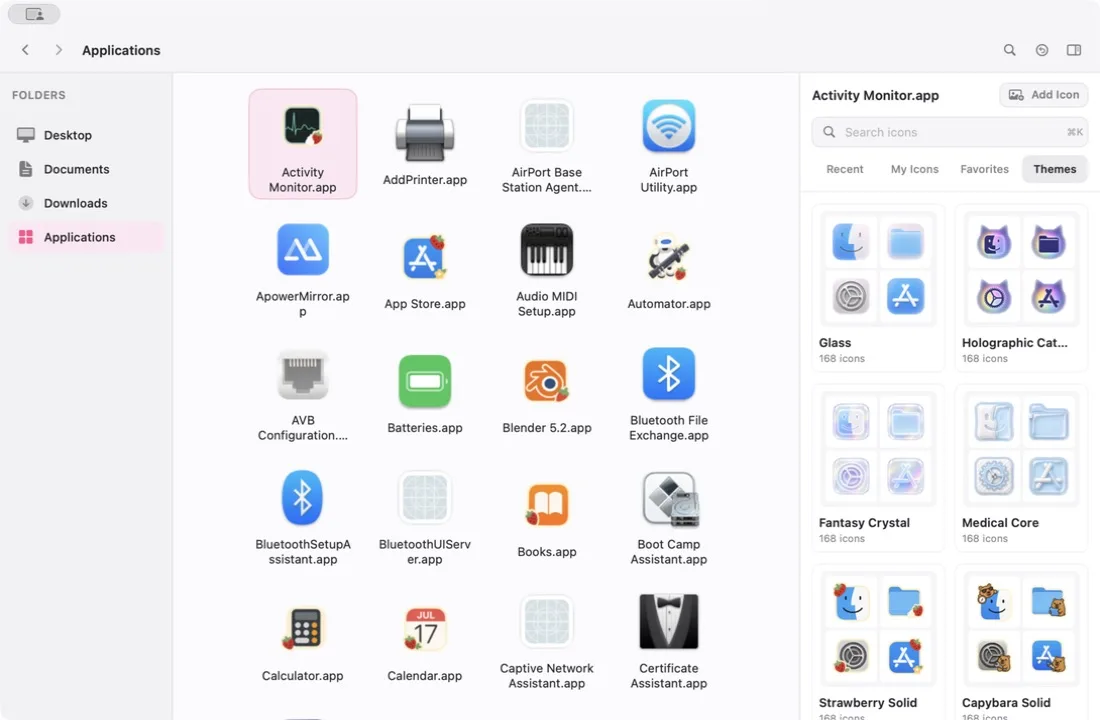
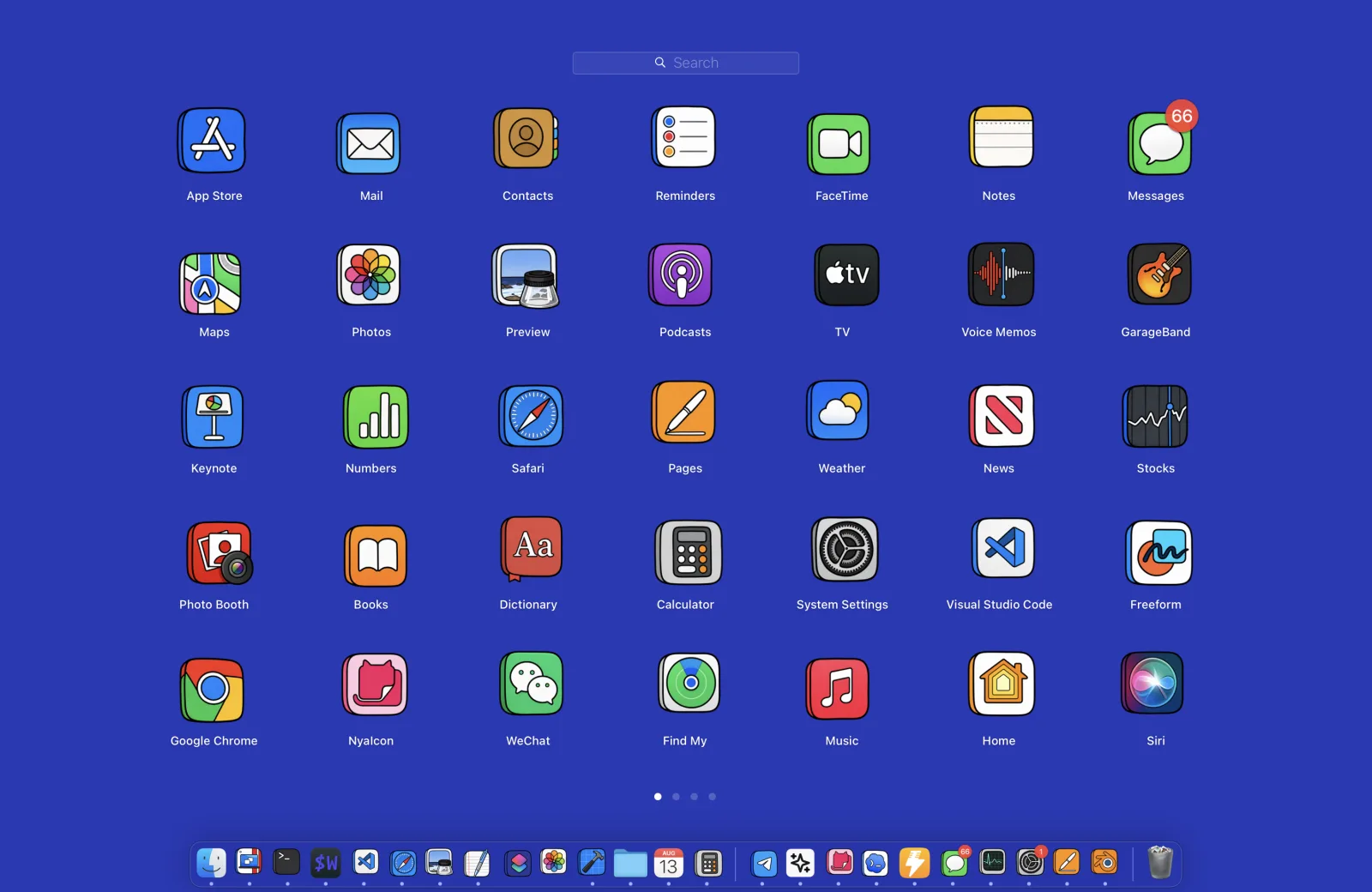
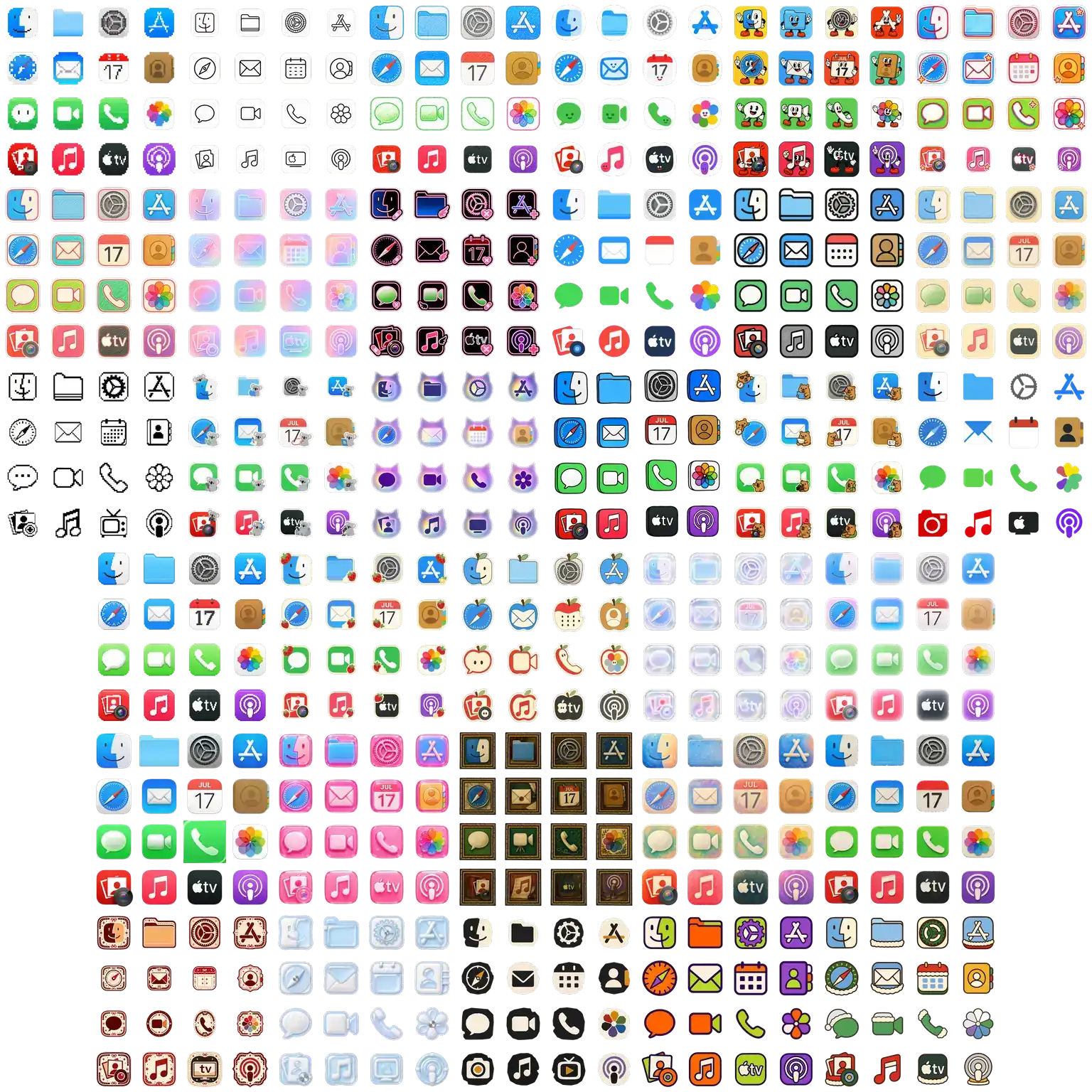
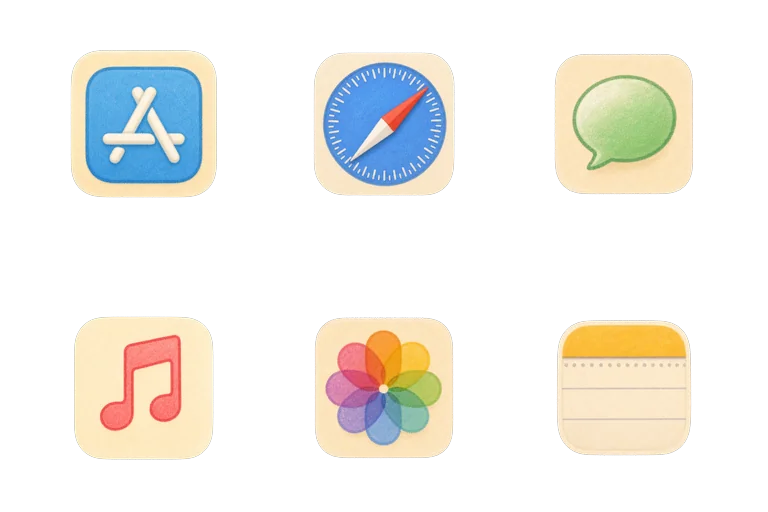
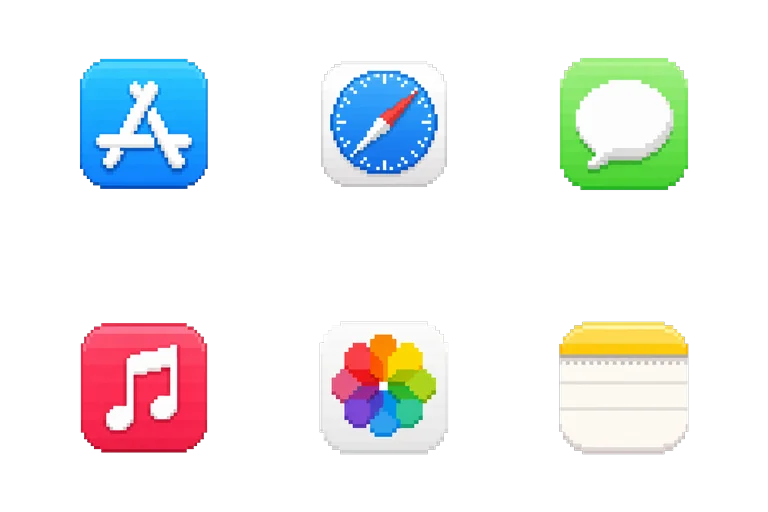
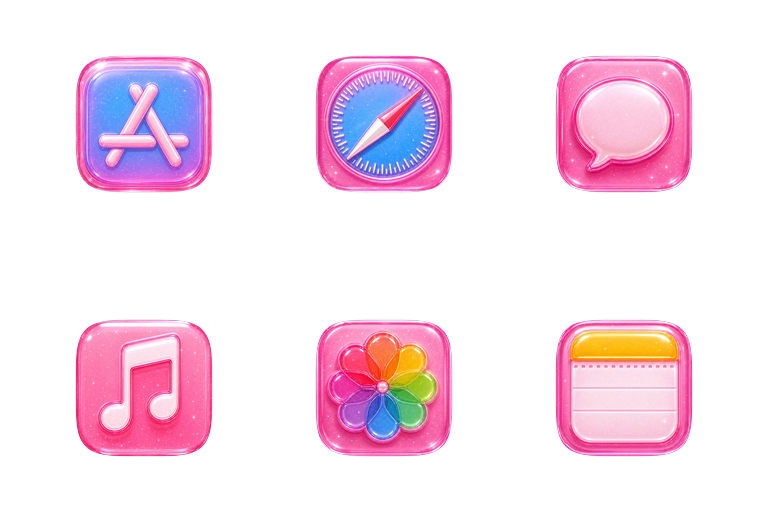
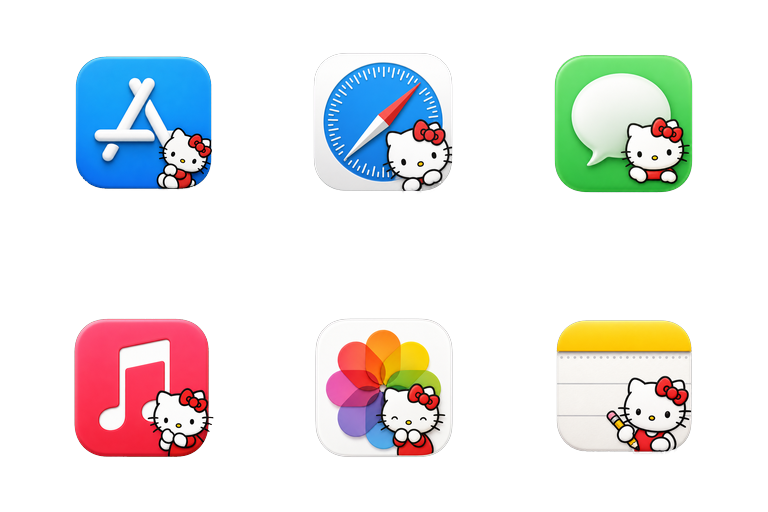
Real NyaIcon and Launchpad captures.
Select one app or folder—or several at once—and apply an icon.
Browse themes, search your icon library, or import an image or ICNS file.
Undo the latest change or restore an app or folder’s original icon.
NyaIcon never asks you to disable System Integrity Protection and does not modify sealed system app bundles.
Every app icon change uses NyaIcon's approved IconServices Helper. A direct change to one ordinary folder stays local; type-wide changes use the Helper. macOS may ask once for approval.
NyaIcon preserves the cache data it replaces so you can restore original icons later.
Images, ICNS files, and icon backups remain on your Mac and are not uploaded.
Choose one item or a group of items you want to customize on your Mac.
Open a theme, search your library, or import an image or ICNS file from your Mac.
Apply your icon, or choose Use Theme for matching apps. Remove Theme reverses theme changes; Restore All removes NyaIcon changes more broadly.
Use Finder for a single icon, learn how to restore it, and understand when a dedicated icon changer helps.
Match your wallpaper, icons, folders, Dock, and widgets without adding clutter.
Need help? Read why a Mac icon is not changing or how to restore original icons.
Yes. NyaIcon is currently free to use. It does not require an account, subscription, purchase, license key, or device activation.
NyaIcon changes the icon macOS displays for an app or folder. Use Theme applies supported app assignments; folders can be customized separately. You can also import an image or ICNS file and restore your changes later.
NyaIcon routes every app icon change through its approved IconServices Helper, including protected Apple apps. A direct change to one ordinary folder stays local, while type-wide changes use the Helper. macOS may require a one-time approval; NyaIcon does not ask you to disable SIP or modify a sealed system app.
This NyaIcon release supports macOS Tahoe 26.
No. Icon changes are cosmetic. NyaIcon updates icon cache entries and does not rewrite protected application code or sealed system app bundles.
Yes. Remove Theme restores apps changed by the active theme while keeping icons applied individually. Restore All removes NyaIcon changes more broadly. Review the restore dialog before confirming.
No. Imported images, ICNS files, and icon backups stay on your Mac. Browsing and downloading catalog themes still requires an online request.
No. NyaIcon changes app and folder icons; it does not set or manage wallpaper. See the Mac desktop customization guide to coordinate NyaIcon icons with wallpaper chosen in macOS System Settings.
Visit Help & Support or email us. Include your macOS and NyaIcon versions with technical questions.
